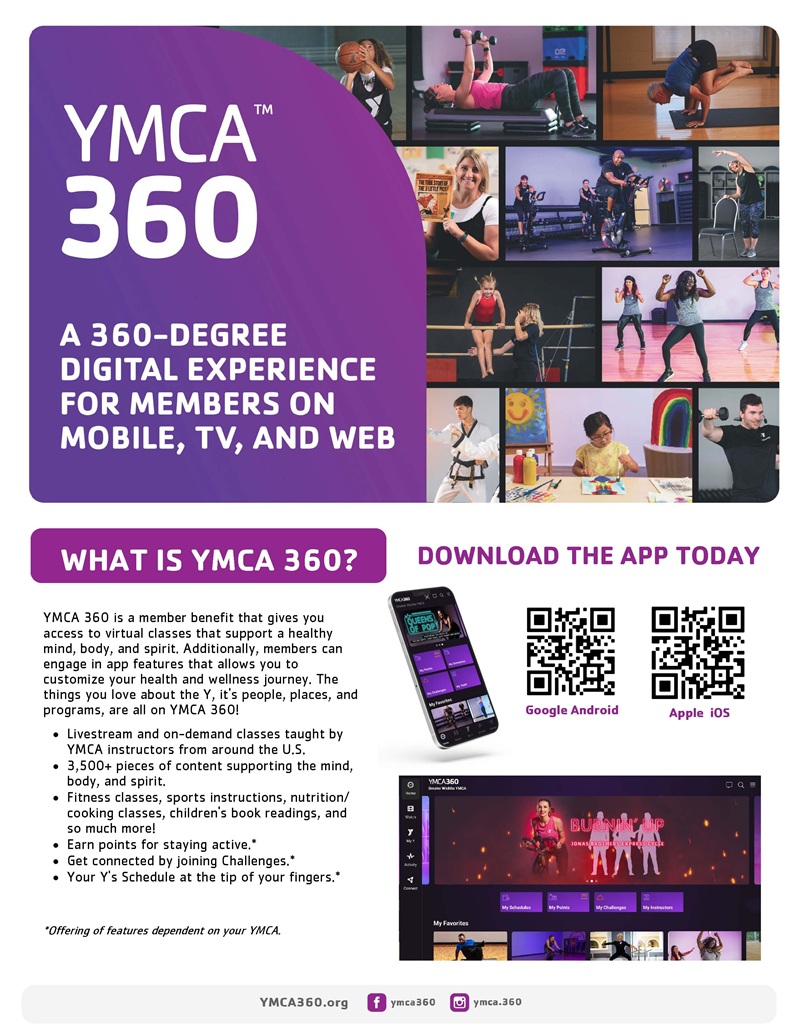
YMCA360 App
YMCA360 APP Download here Apple GooglePlay
How to download the YMCA360 app:
Access on a phone:
For iPhone users, download it here. For Android users, download it here. Or search "YMCA360" in your app store.
Sign in:
Once you have downloaded the app or accessed the website, enter in your zip code, select your branch, and enter in the email associated with your YMCA membership.
Verification process:
Once you have entered in an email associated with your YMCA membership a verification code will be sent to your email. If a child's account is attached to a parent or guardians email they will need the verification code to continue.
Click continue and Enjoy!